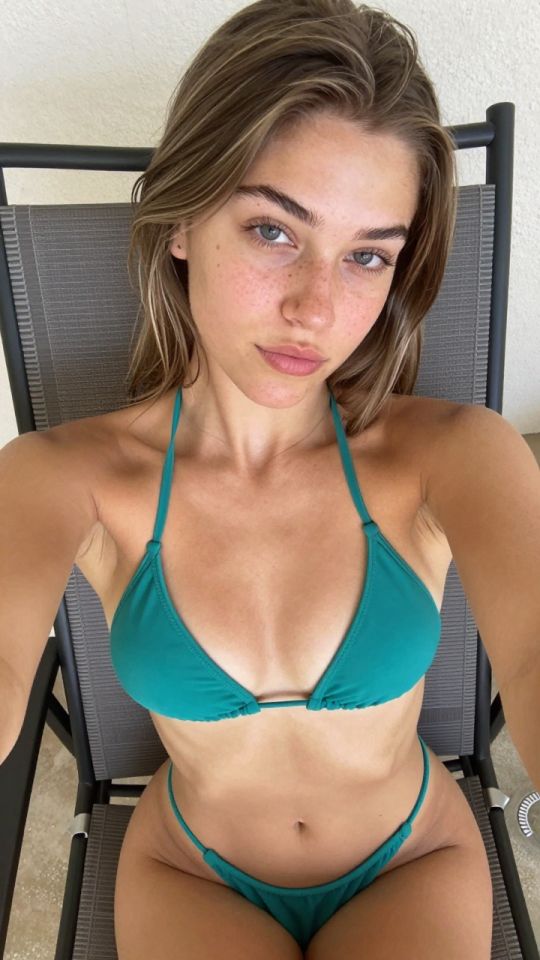
 5s
⚡ Generate
5s
⚡ Generate
Iterate the landing without reshooting it: one change per job — outfit, setting, light, repairs — with originals preserved and prices quoted upfront.
Pick an effect, upload your photo, and the built-in recipe does the rest. Same photo, far more reliable results.
You have been writing prompts by hand. Templates skip all of that — pick a card below, upload your photo, and get the same scene in one click.
5s
⚡ Generate
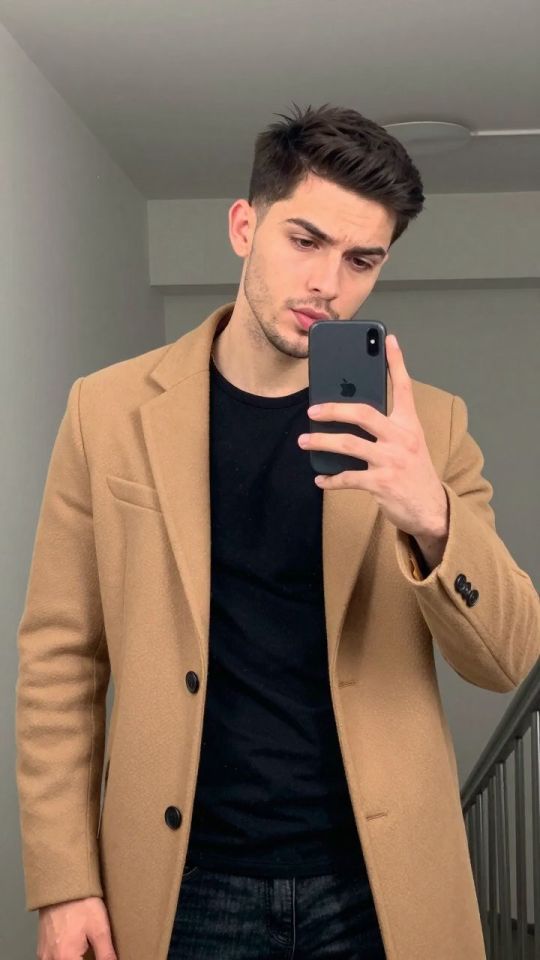
 IMAGE
⚡ Generate
IMAGE
⚡ Generate
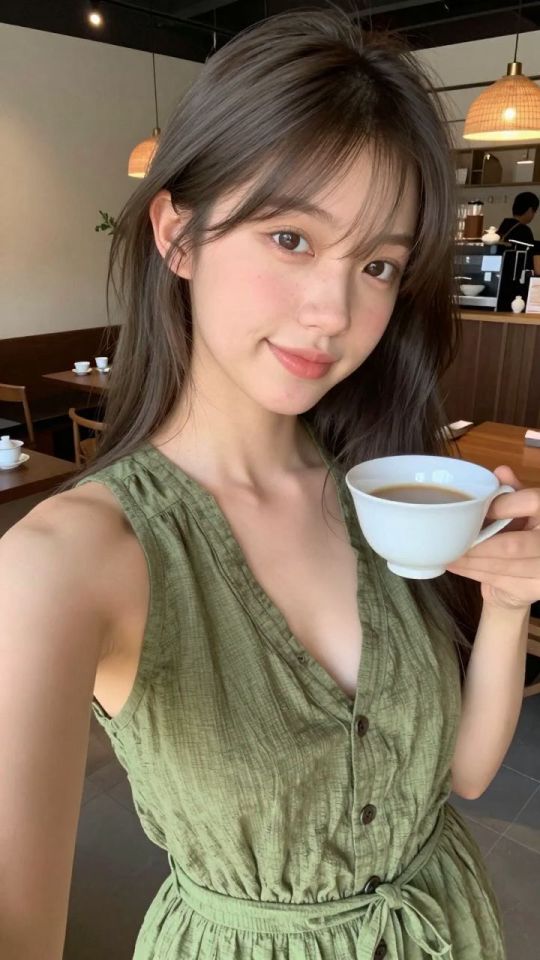
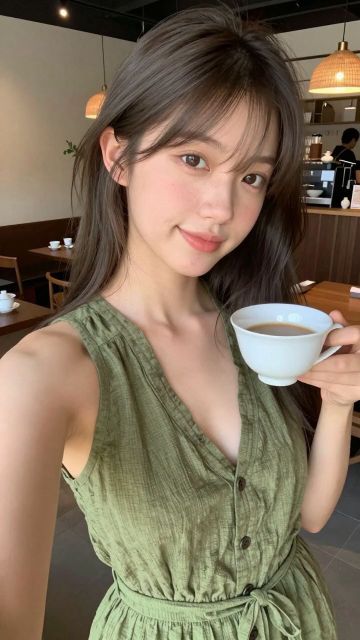 NEW IMAGE
⚡ Generate
NEW IMAGE
⚡ Generate
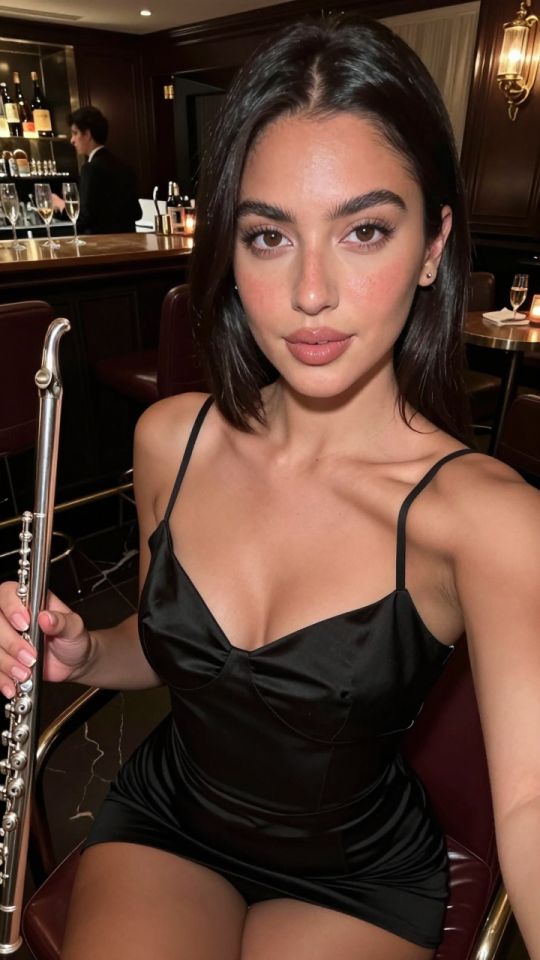
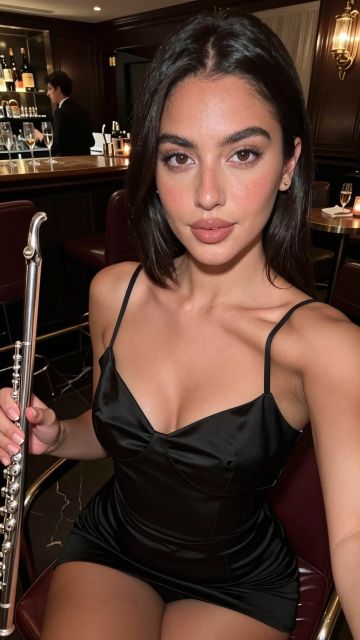 5s
⚡ Generate
5s
⚡ Generate
 5s
⚡ Generate
5s
⚡ Generate
 5s
⚡ Generate
5s
⚡ Generate
 5s
⚡ Generate
5s
⚡ Generate
 NEW IMAGE
⚡ Generate
NEW IMAGE
⚡ Generate
 5s
⚡ Generate
5s
⚡ Generate
 5s
⚡ Generate
5s
⚡ Generate
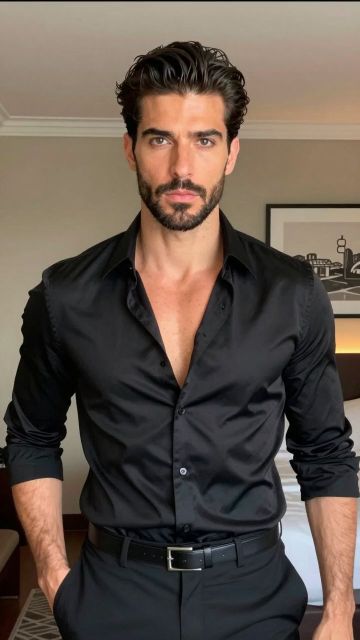 NEW IMAGE
⚡ Generate
NEW IMAGE
⚡ Generate
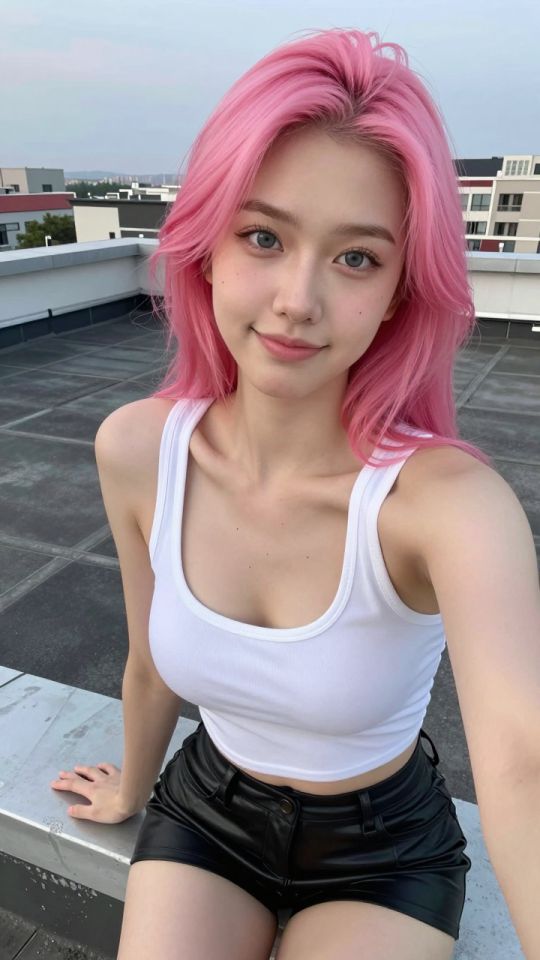
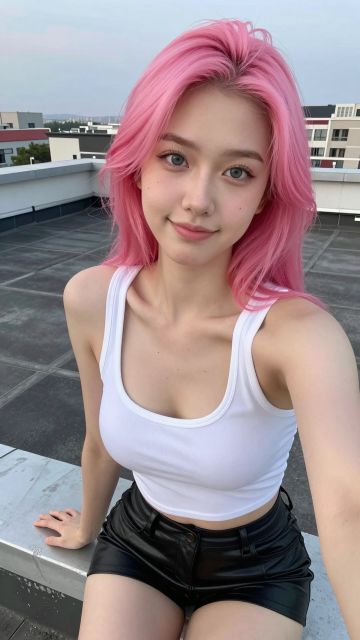 NEW 5s
⚡ Generate
NEW 5s
⚡ Generate
The hero that launched your page is rarely the hero it needs a month later. The outfit dates, the campaign changes, a hand lands oddly in your best frame. The editor is how a landing evolves without a reshoot: describe one change in ordinary words — the wardrobe, the room, the light, the small wrong detail — and the frame is re-rendered with that change made and everything else held. The price is quoted per job before you confirm, and the file you started from stays untouched in your library, so every version of the page remains recoverable.
A frame holding a visitor’s eye with one flaw is worth an edit. A frame nobody looks at is worth a new brief, not a repair bill.
One instruction per job keeps the rest of the composition steady and the result judgeable: better or worse, no ambiguity.
Original and edit both live in your library. Swap the landing to the winner; keep the loser as next campaign’s starting point.
One proven hero pose, re-dressed per promotion — the landing feels new while the composition that works stays put.
Bedroom to boutique hotel to rooftop: the background starts matching the price of the offer behind the link.
The stray object, the odd hand, the clashing colour. Small wrongs are what edits exist to erase.
“Change the silver dress to a black velvet dress with long sleeves, keeping her pose, hair, jewellery and the rooftop light exactly as they are.”
One change, named precisely, with the untouchables listed. The keep-list is what stops an edit from wandering into a reshoot.
“Move her from the rooftop to a marble hotel bathroom with warm mirror bulbs, keeping the same pose and the same woman.”
A new room is one change. A new room, new hair and new outfit in a single job is three changes wearing a trench coat — split them.
| Situation | Smarter spend |
|---|---|
| The frame works and one detail is wrong | Edit — you are buying back a proven composition |
| The pose or framing itself is weak | Generate again with a corrected scene line |
| A winner needs seasonal versions | Edit the winner per season; never touch the original |
Each job is quoted before you confirm; an image edit runs at 21 credits. Repairing a proven frame usually beats paying to re-roll a whole set.
No. The edited version arrives as a new image and the original remains in your library exactly as it was.
One. Bundled changes pull against each other and blur the parts you wanted kept.
Yes, under the same ownership and consent rules as every upload on BioWiz.
Usually a broad instruction. Name the single change, then list what must stay identical; precision in, stability out.
Heroes, hooks, edits and finishing jobs draw on one credit balance and sit in one private library. Make the piece your page is missing.
Start with the generatorAnalyzing your photo…
Your result will appear right here — keep this open.
0:00
Your image is deleted after generation.
Browse filesFailed jobs are refunded automatically. Results land in My Collection.